Connect your AI to Flexweg
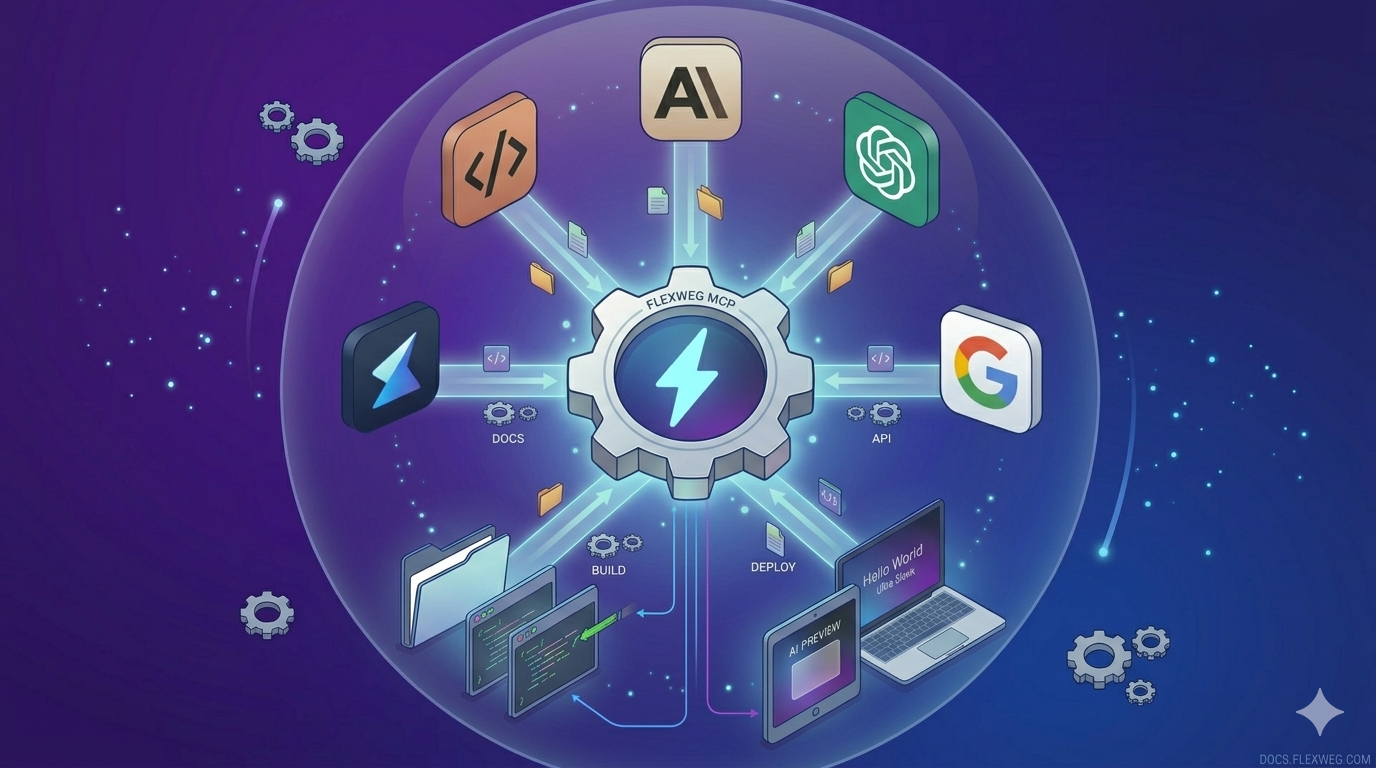
Thanks to the Model Context Protocol (MCP), your AI assistant — Claude, ChatGPT, Cursor, Gemini, and any other MCP-aware client — can read, edit and publish your Flexweg files directly, without any copy-paste from you.
What MCP gives you
| 🤖 Full autonomy | Your AI manages files, folders, forms and videos without manual intervention. |
| ⚡ Instant | Publish a new page, update CSS, tweak a layout — all in a single sentence. |
| 🔒 Secure | Authentication via a personal API key (permanent or temporary). Scoped to a single site. |
How it works
MCP is an open protocol that lets an AI client talk to a server that exposes tools (functions it can call). Flexweg provides a hosted MCP server at:
https://www.flexweg.com/mcp
Once you point your AI client at this URL and provide an API key, the AI can call 27 tools to list files, upload HTML, create folders, manage forms, upload videos, and more. See the tool reference for the full list.
Two ways to set it up
- Quick start — a one-line CLI installer for the 5 most common clients (Claude Code, Codex, Cursor, VS Code/Copilot, Windsurf). Recommended for most users.
- Manual configuration — paste a JSON snippet into your client's config file. Use this for Claude Desktop, ChatGPT, Google Gemini, or any other MCP-aware client not covered by the CLI.
Supported clients
Out of the box, Flexweg's MCP server works with:
- Claude Code (CLI) & Claude Desktop
- Codex
- Cursor & Windsurf
- VS Code / GitHub Copilot
- ChatGPT
- Google Gemini (via Google AI Studio)
Any other MCP client that supports HTTP transport will work — point it at https://www.flexweg.com/mcp with an Authorization: Bearer <your-key> header.
Auto-discovery
Flexweg also publishes a machine-readable MCP descriptor at:
https://www.flexweg.com/.well-known/mcp.json
Clients that support auto-discovery can use this URL directly instead of the raw endpoint.
Next steps
- Read Quick start and pick your AI client.
- Browse the available tools to see what your AI can do.
- Check the example prompts to see how to talk to your AI.
Grab one at Account → API. If you'd rather not create a permanent key, the CLI can generate a temporary key valid for up to 24 hours — safer for AI agents. See Authentication.